Create your account & restaurant
Signing up takes a few minutes and starts your 14-day free trial. A short wizard walks you through setup — only the first step is required, so you can skip the rest and fill it in later.
- 1
Click "Start free" on the homepage and register with your email, or continue with Google. Email sign-ups get a verification link — confirm it before you can create a restaurant. Google accounts are already verified.
- 2
Give your restaurant a name and a web address (slug). The slug becomes your public link — your-name.higgsmenu.com.
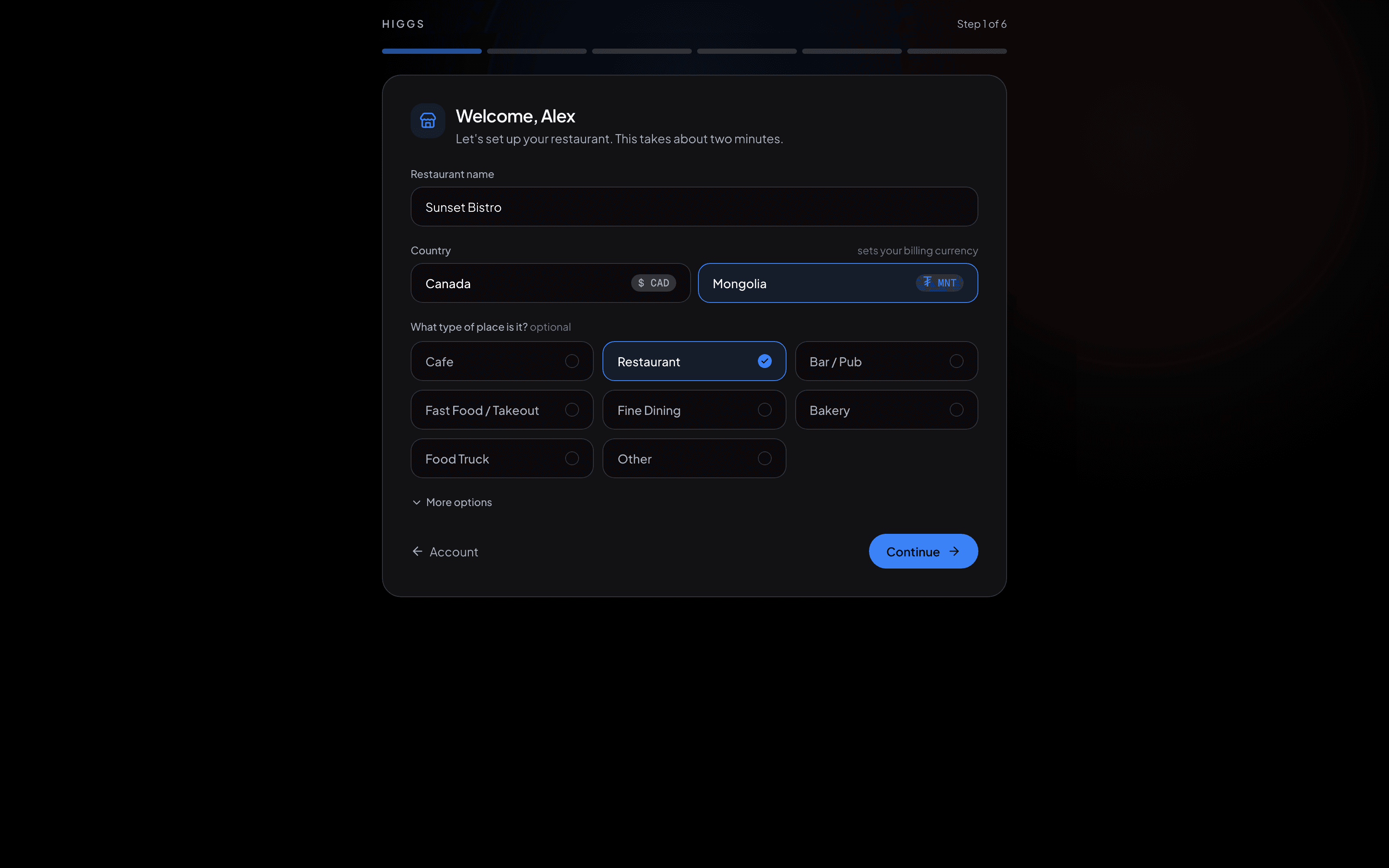
Name your restaurant and pick its web address. - 3
Work through the rest of the wizard: how guests order and pay, your contact details, opening hours, your goals, and a first floor plan. All five of those steps are optional and every answer is editable later in Settings.
- 4
Pick a plan to start the trial. In Canada, the US and Australia you also save a card here — nothing is charged until the trial ends on day 15, and you can cancel any time before that. In Mongolia no card is needed up front.
- 5
You land on your dashboard with every feature unlocked for the length of the trial.
TipPick your slug carefully — it’s the link on your QR codes. You can connect a fully custom domain later.