Import your menu from a photo
Already have a printed menu, or a menu in another system? Photograph it — or drop in a spreadsheet — and AI turns it into a real menu you can check and edit before it goes live.
- 1
Open Menu in the sidebar and click "Import / export", then choose the AI import option.
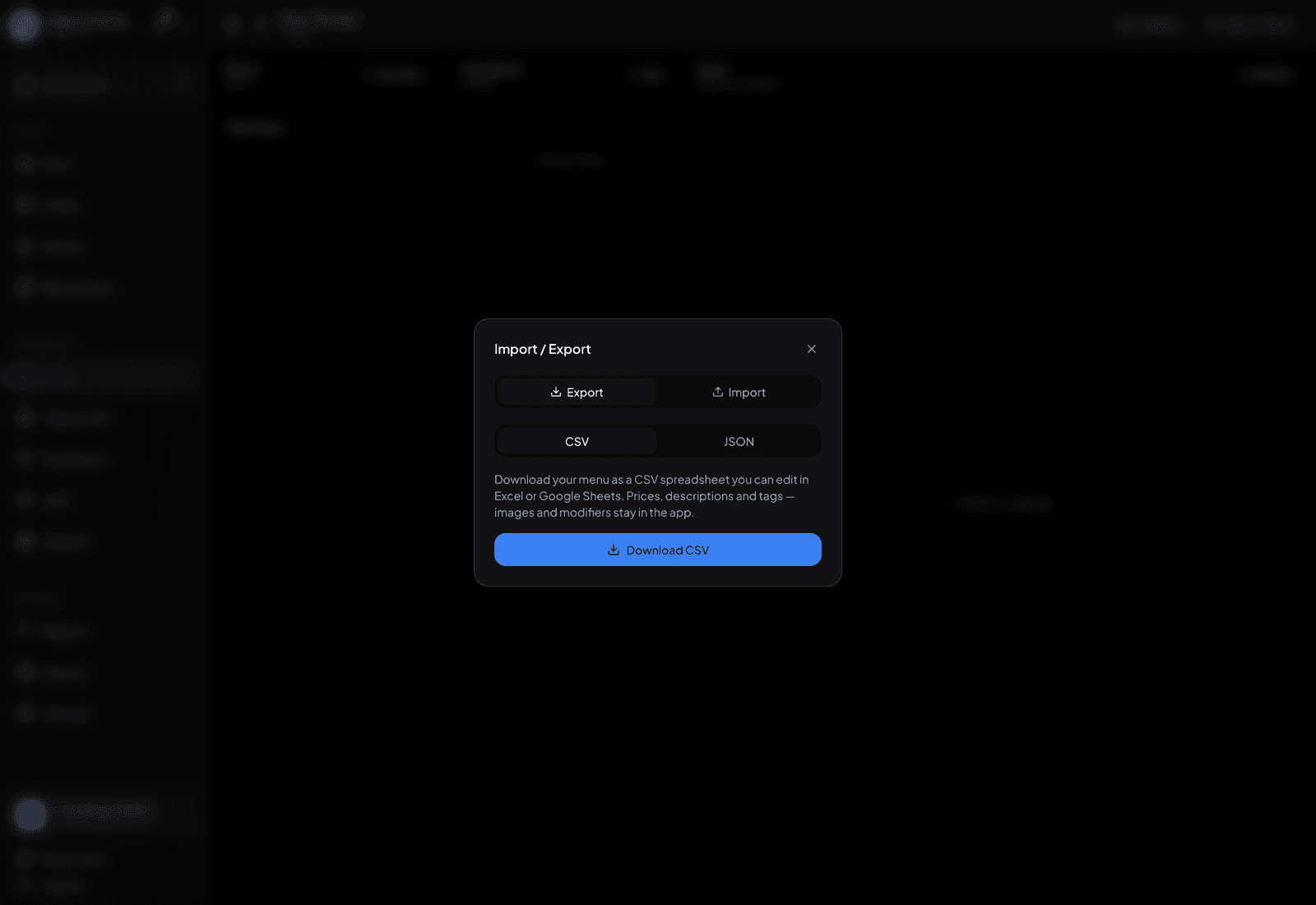
The import / export dialog — AI import lives here. - 2
Add photos of your menu pages — one page or all of them — and/or a CSV, JSON or text file exported from your old system.
- 3
Start the import. The AI reads categories, items, descriptions, prices and option groups into a draft menu.
- 4
Review the draft: fix anything it misread, especially prices and required option groups.
- 5
Apply it. Only then does anything appear on your storefront, QR menu, POS and kitchen.
TipPhotograph pages straight on, in good light, one page per shot. A sharp photo of a flat page reads far better than one wide shot of the whole menu.