Reuse one option group across many items
If ten pizzas share the same "Size" group, build it once. The modifier library holds reusable groups you attach to any item — edit the group once and every item that uses it updates.
- 1
On the Menu page, open the modifier library from the toolbar.
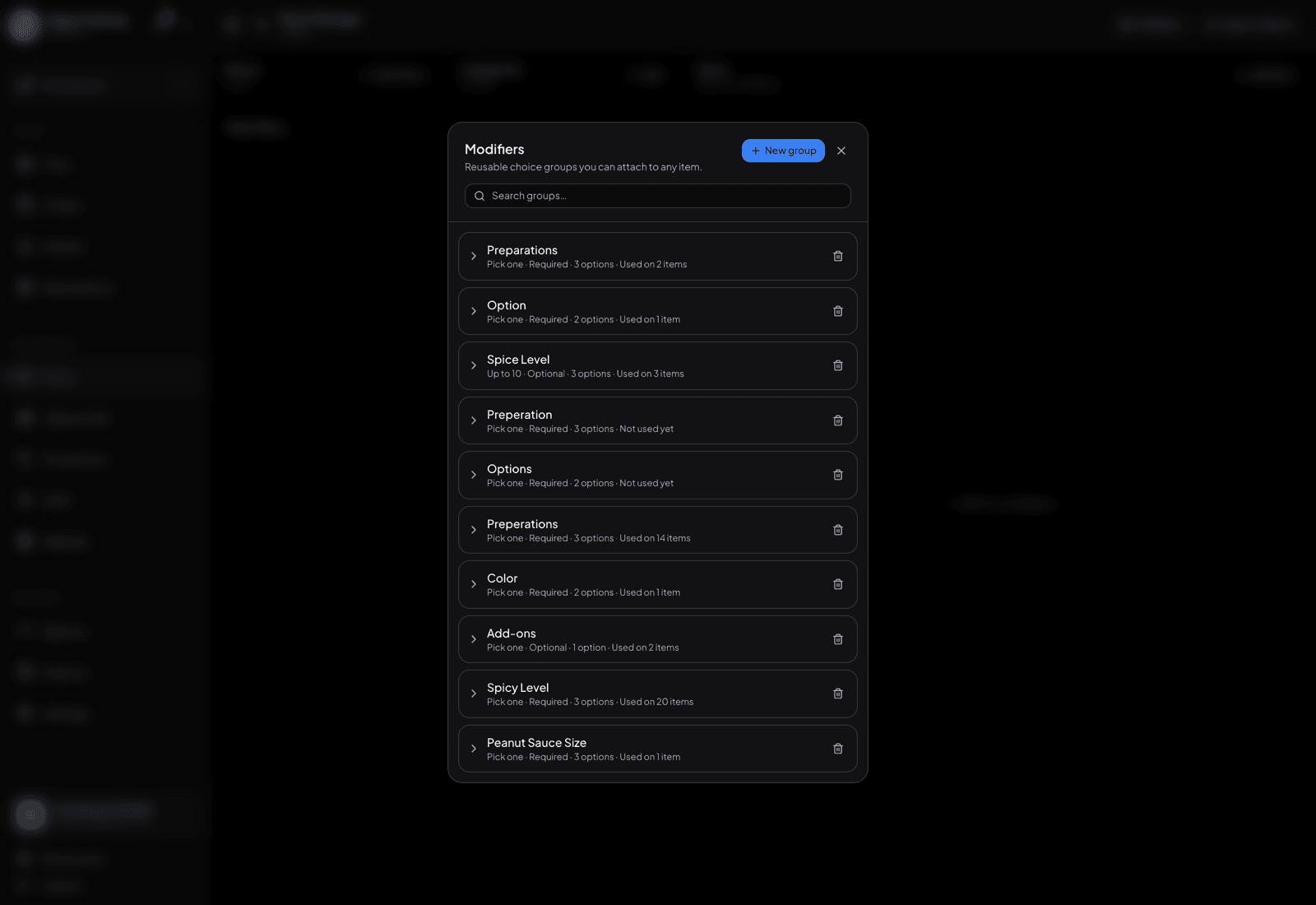
The modifier library — build a group once, attach it anywhere. - 2
Create a group there — name it, add its choices and price differences, and set whether it’s required.
- 3
Open any item, go to its options, and attach the library group instead of retyping it.
- 4
Change a price in the library later and every attached item follows. Detaching a group from one item leaves the others alone.
TipUse the library for anything you’d otherwise type twice — sizes, milk choices, spice levels. Keep genuinely one-off options on the item itself.