Upload, reuse & delete photos
Every image you upload — logos, dish photos, website banners — is kept in your gallery. Anywhere you can upload, you can also pick something you’ve already used.
- 1
In any image uploader, choose "Choose from gallery" to see everything you’ve uploaded before, then pick one.
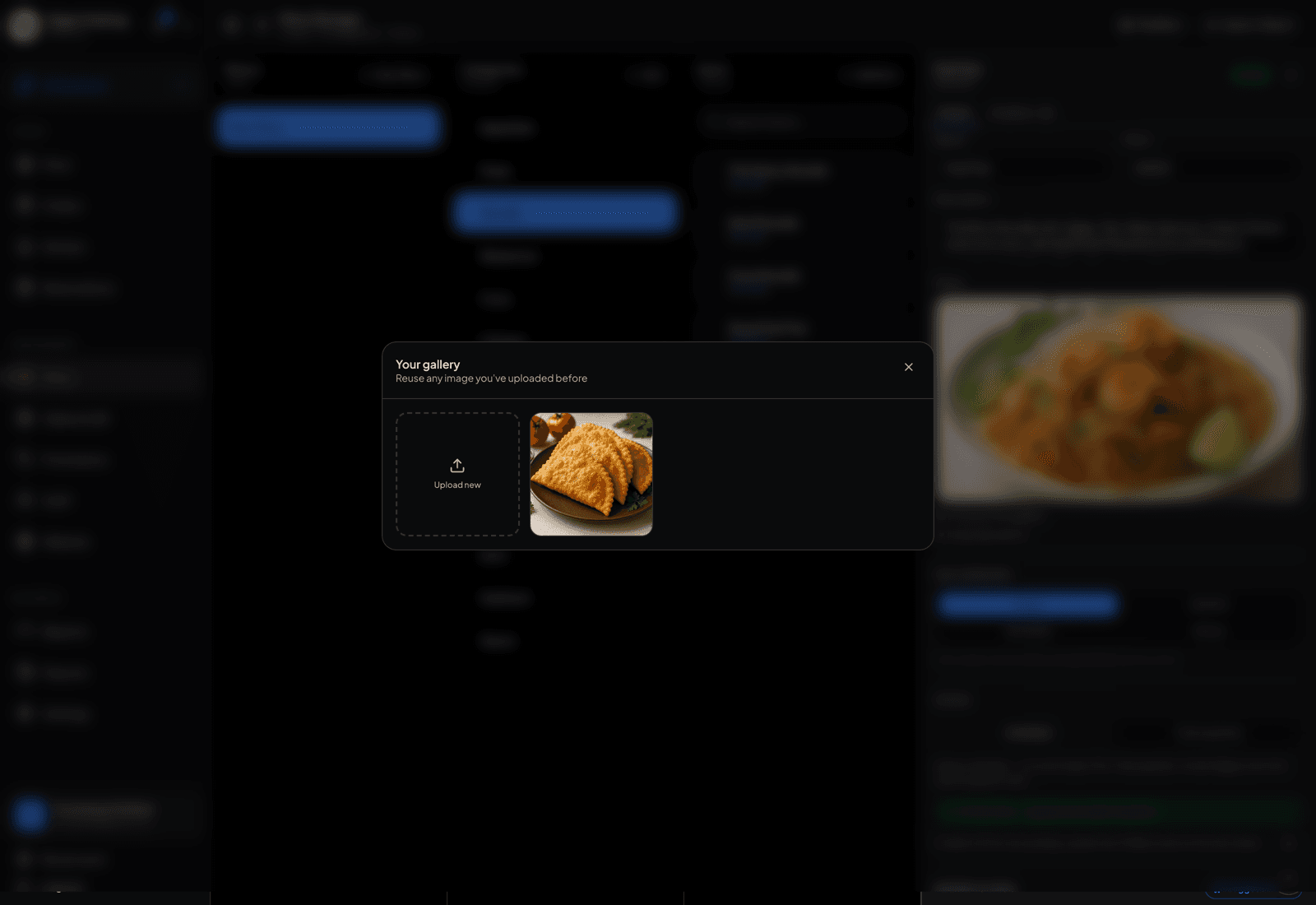
Every image you've uploaded, ready to reuse. - 2
Uploading a new file adds it to the gallery automatically — there’s no separate library to maintain.
- 3
Removing a photo from one item only detaches it; the file stays in your gallery for reuse elsewhere.
- 4
Deleting from the gallery is the permanent one — it also removes the image from everywhere it’s currently used, so check before you confirm.
TipOne good banner shot can serve your website header, your OG preview image, and a menu category. Upload it once, reuse it three times.