Back up or move your menu
Export writes your whole menu — categories, items, options, shared groups — into one file you can keep as a backup or load into another restaurant you run.
- 1
Open Menu in the sidebar and click "Import / export".
- 2
Choose export. You get a single file containing every category and item, with shared option groups stored once.
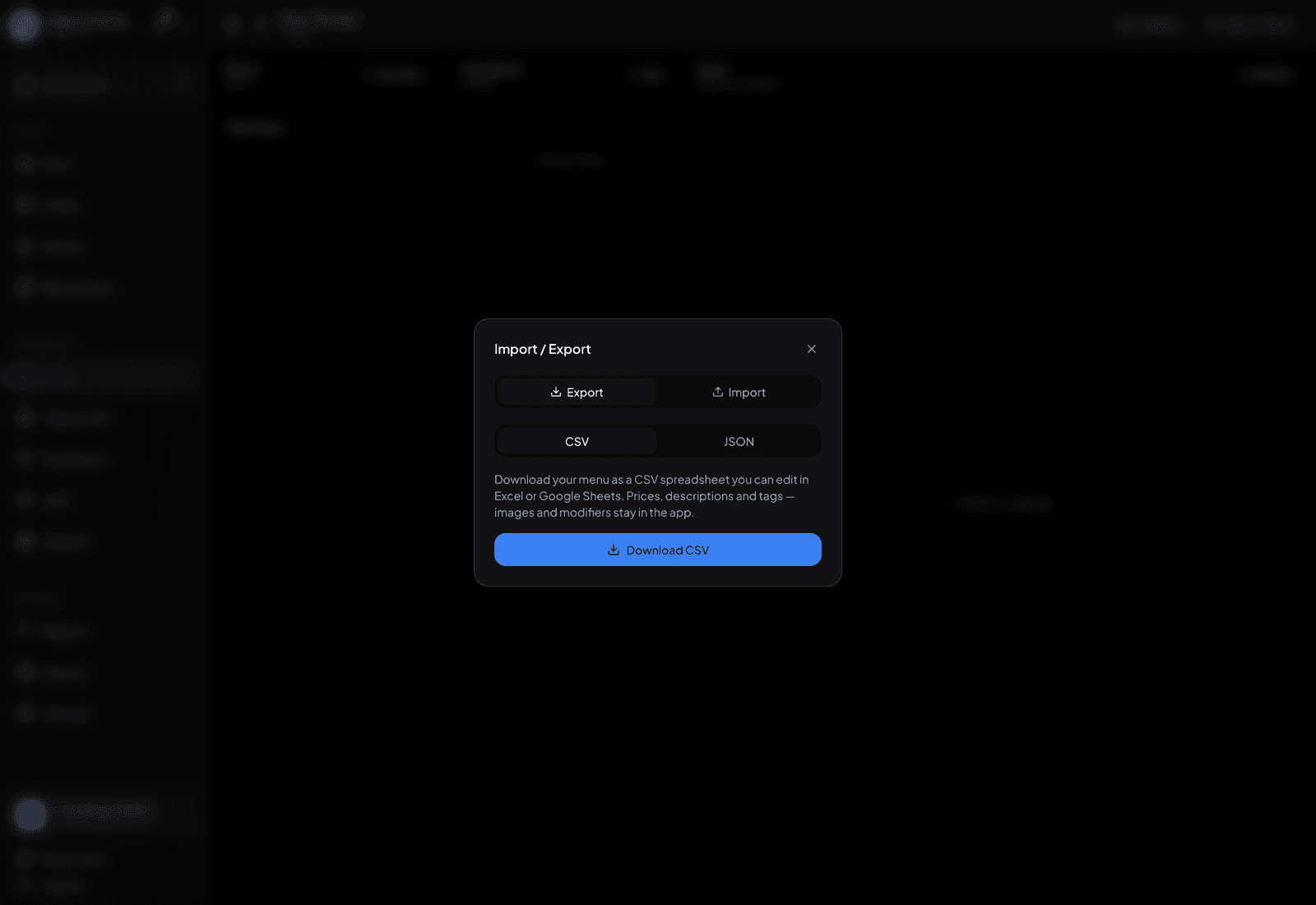
One file holds your whole menu. - 3
To load it somewhere else, open the same dialog on the other restaurant and import that file.
- 4
Importing only adds — it never deletes or overwrites what’s already on the menu, so a re-import is safe but can create duplicates.
TipExport before a big seasonal rewrite. It’s the fastest way back if you change your mind about half of it.